
Dynamic IT Devices Private Limited

 English
 Spanish
 French
 German
 Italian
 Chinese (Simplified)
 Japanese
 Korean
 Arabic
 Portuguese
 Send Inquiry
 Send Inquiry
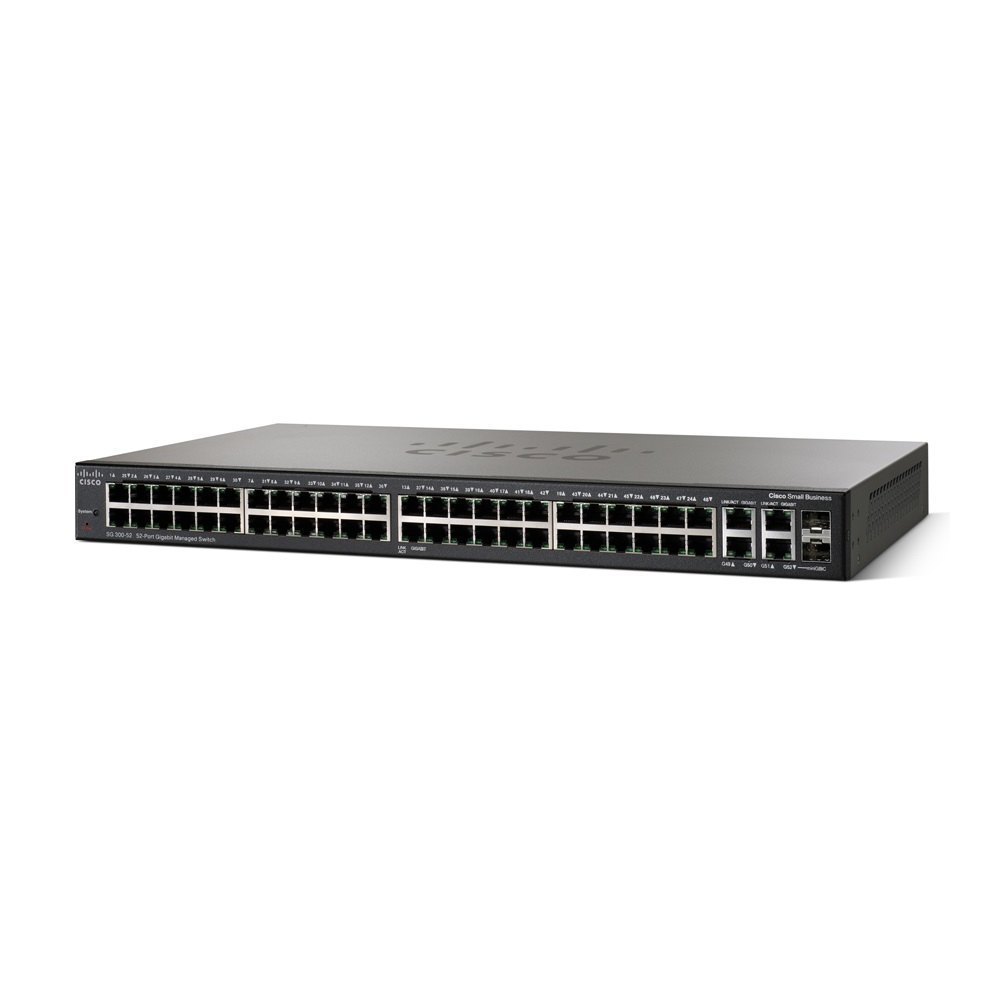
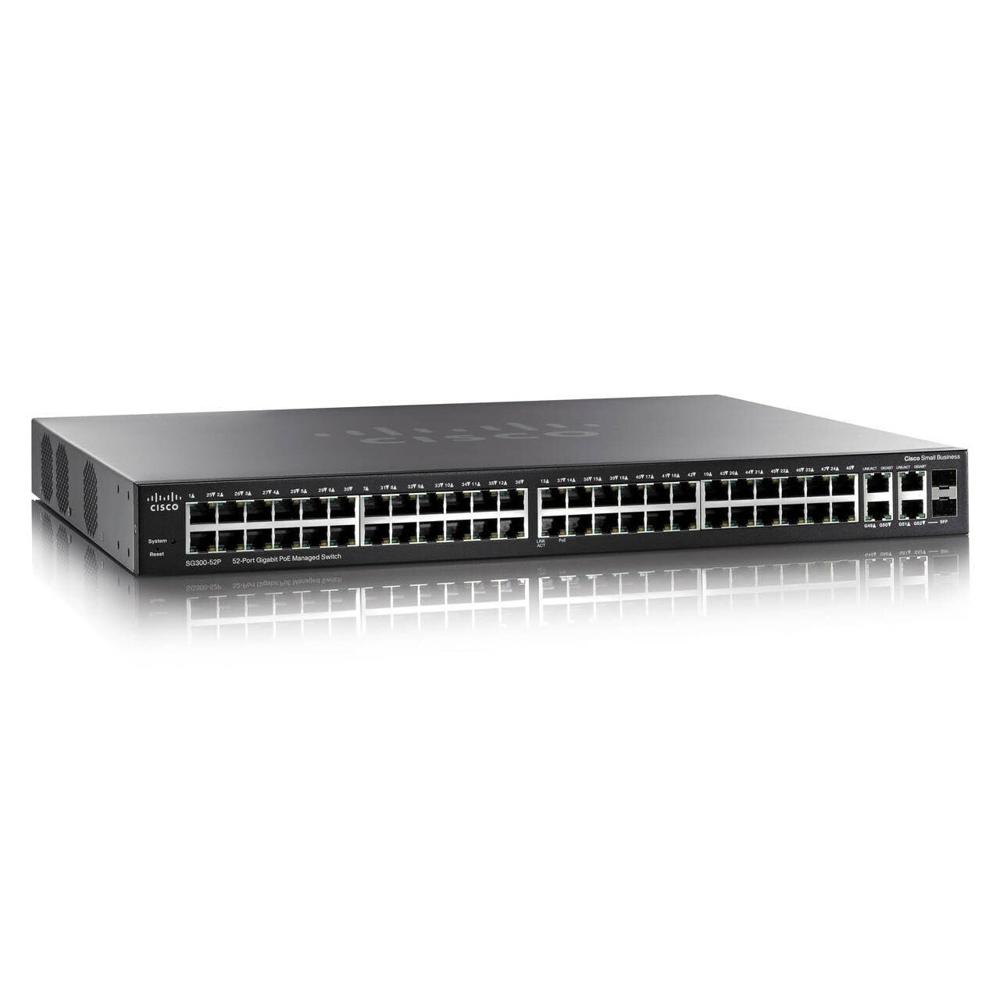
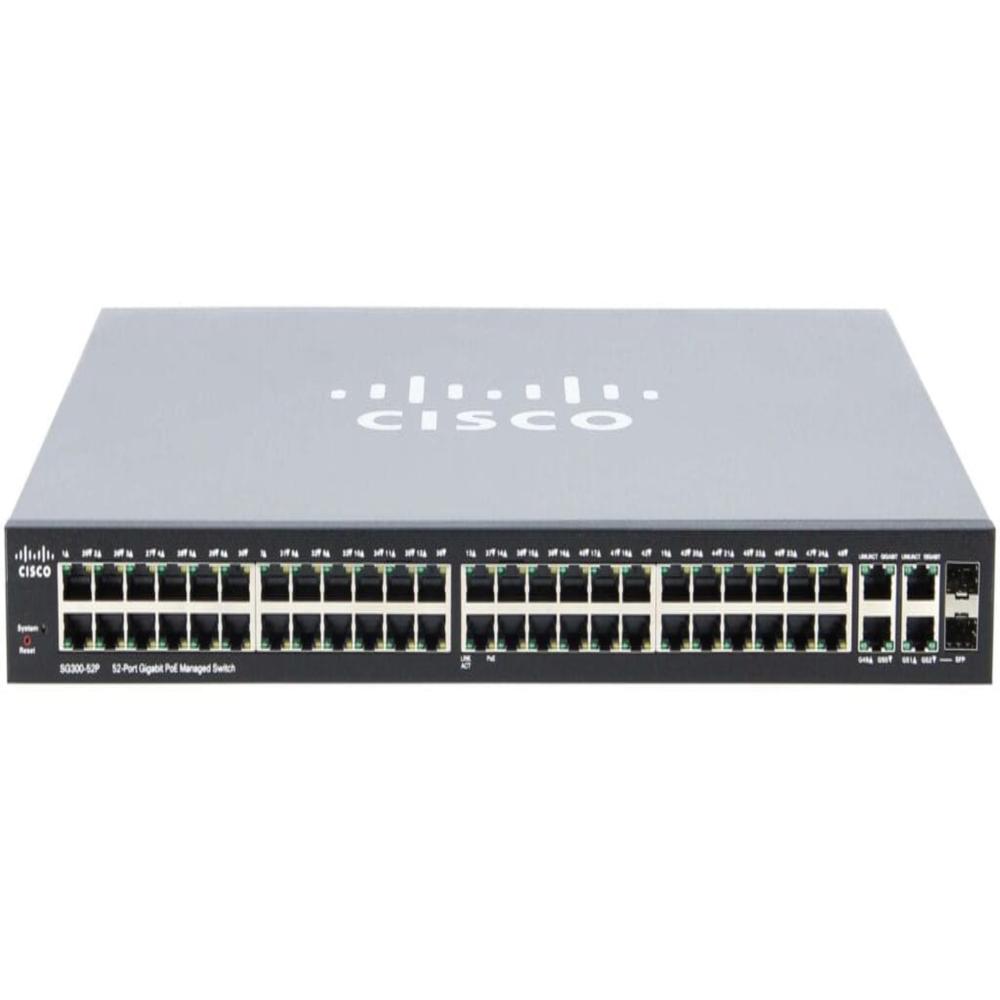
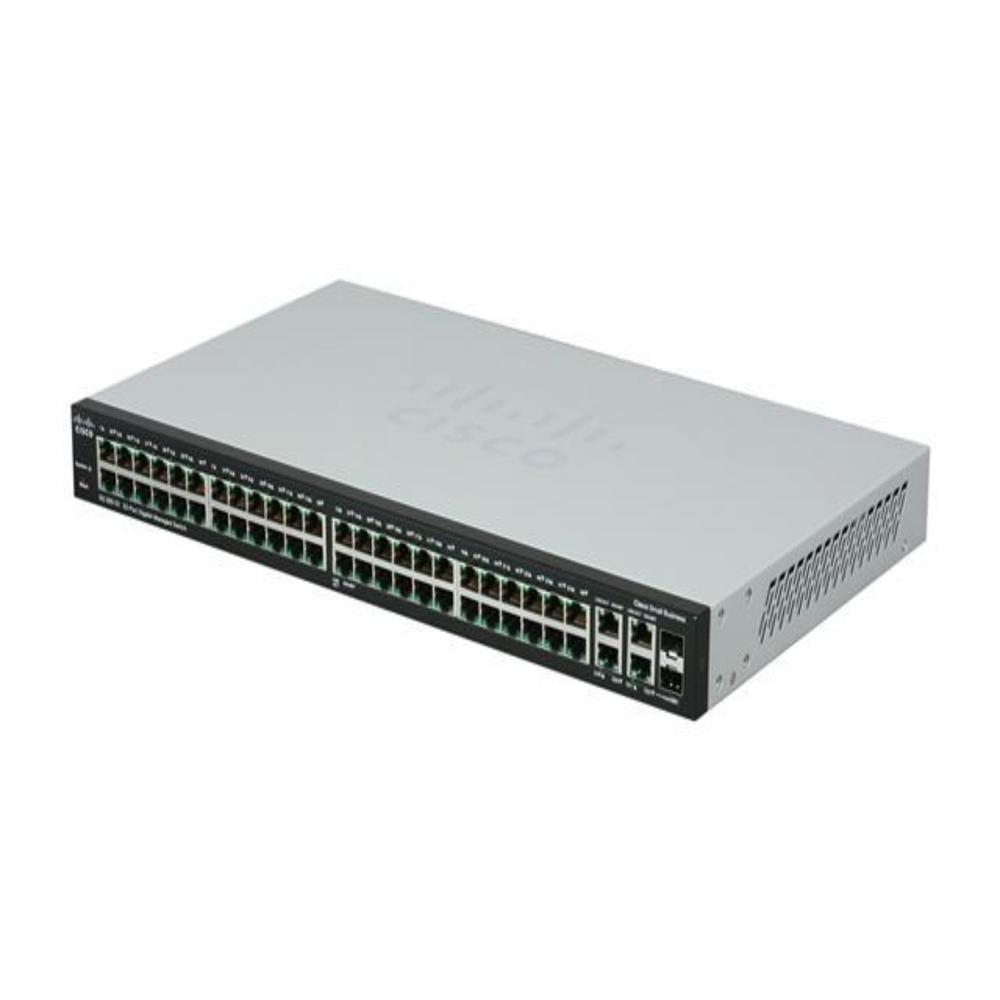
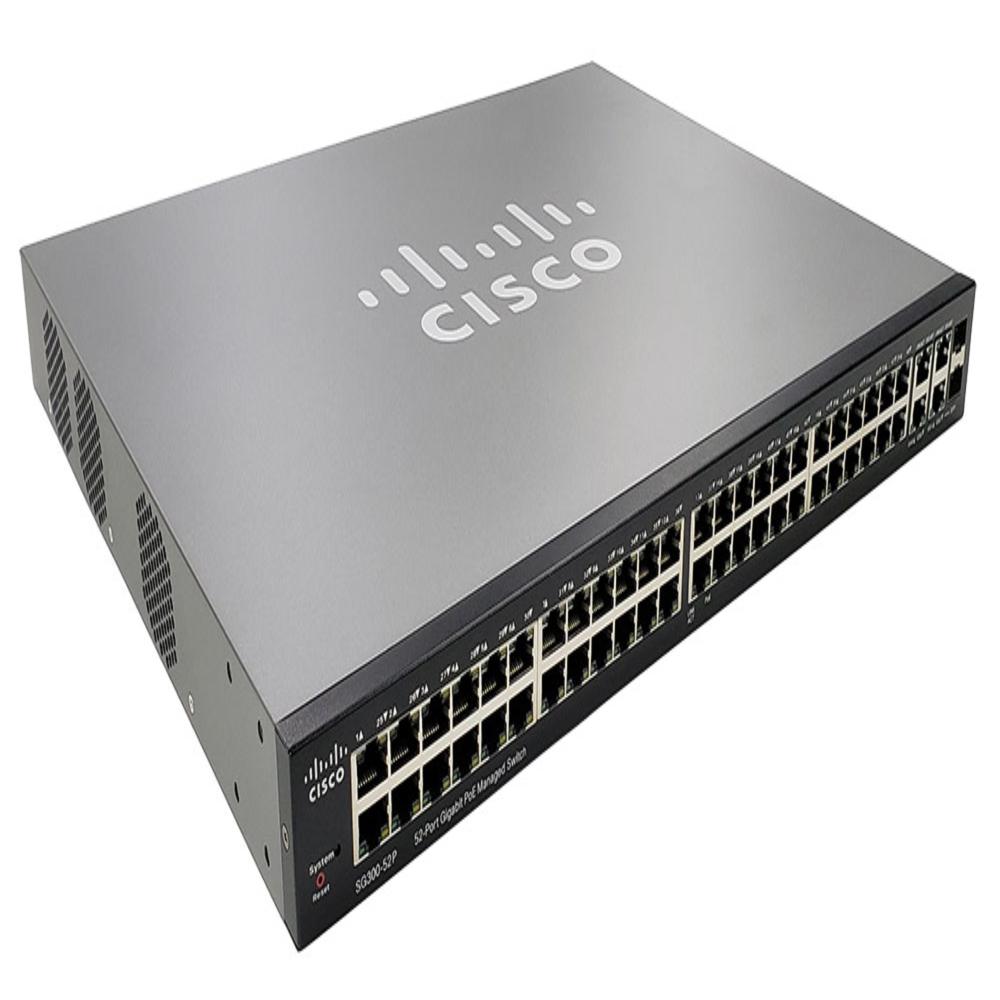
Cisco SG300-52 Port Gigabit Managed Switch
Price 10000.0 INR/ Piece
MOQ : 1 Piece
Cisco SG300-52 Port Gigabit Managed Switch Specification
- Power Consumption
- Approx. 45 60 Watt (depends on model & PoE load) Watt (W)
- Weight
- Approx. 6.8 kg (With packaging) Kilograms (kg)
- Features
- Full Layer 2/3 Managed Switching VLAN, QoS, IGMP Snooping, Enterprise Security: 802.1X, ACLs, Port Security Web GUI, CLI, SNMP Management High-density Gigabit connectivity Stable, reliable 24 7 operation
- Network Device
- Switch
- Device Type
- Managed Network Switch
- Antenna
- Not Applicable (Wired switch)
- Frequency
- 50/60 Hz (AC input) Hertz (HZ)
- Interface Type
- Ethernet RJ-45, SFP Fiber Uplink, Console Port
- IP Routing
- Yes Layer 3 Static Routing & Inter-VLAN Routing
- Port
- 52 Ports (48 Gigabit RJ-45 + 4 SFP Uplink)
- Remote Control
- Yes
- Operating Temperature
- 0 C to 45 C Celsius (oC)
- Usage & Applications
- Data Centers, Enterprise Offices, Schools, Hotels, Campus Networks
- Dimension (L*W*H)
- 44 30 4.4 cm (1U Rackmount, Approx.) Centimeter (cm)
- Number Of Ports/Pins
- 48 RJ-45 Gigabit Ports 4 SFP Fiber Uplink Ports
- Connectivity Type
- Wired
- Cable Length
- Standard Ethernet (Cat5e / Cat6 up to 100 m) Meter (m)
Cisco SG300-52 Port Gigabit Managed Switch Trade Information
- Minimum Order Quantity
- 1 Piece
- Payment Terms
- Cash in Advance (CID)
- Delivery Time
- 3 Days
- Main Domestic Market
- All India
About Cisco SG300-52 Port Gigabit Managed Switch
| Product Name | Cisco SG300 52-Port Gigabit Managed Switch |
| Product Type | Fully Managed Layer 2 / Layer 3 Gigabit Switch |
| Total Ports | 52 Gigabit Ethernet Ports (48 RJ-45 + 4 Gigabit SFP uplink) |
| Performance | Wire-speed forwarding, high network throughput |
| Routing Support | Layer-3 Static Routing, RIP, Inter-VLAN Routing |
| Switching Capacity | Up to 104 Gbps (model dependent) |
| Management Options | Web GUI, CLI, SNMP, Cisco Network Utility |
| Security Features | 802.1X authentication, ACLs, Port Security, DHCP Snooping |
| Traffic Optimization | VLAN, QoS, IGMP Snooping, Priority Queues |
| Ideal Applications | Enterprise LAN, Data Centers, Offices, Schools, Hotels, Campus Networks |
Advanced Layer 2/3 Switching for Secure Networks
Benefit from comprehensive Layer 2/3 features, including VLAN segmentation, Quality of Service (QoS), IGMP snooping, and static IP routing. With enterprise-level security protocols like 802.1X authentication, ACLs, and port security, the Cisco SG300-52 ensures your network remains protected, reliable, and efficient during high-traffic operations.
Flexible Management and Remote Control Options
Manage your network effortlessly using the web GUI, command line interface (CLI), SNMP, or Cisco Network Utility. These intuitive options grant network administrators remote access for configuration, monitoring, and troubleshooting from anywhere, making ongoing maintenance more convenient and efficient.
High-density Connectivity and Reliable Performance
Designed for demanding environments, this switch provides 48 RJ-45 Gigabit ports and 4 SFP fiber uplink ports for seamless wired connectivity. With robust stability and the ability to operate 24/7, it is ideal for supporting the high capacity and uptime requirements of enterprises and large organizations.
FAQ's of Cisco SG300-52 Port Gigabit Managed Switch:
Q: How can the Cisco SG300-52 switch be managed remotely?
A: You can manage the Cisco SG300-52 remotely through several methods, including the web GUI, command line interface (CLI), SNMP, and Cisco Network Utility. These tools allow administrators to configure, monitor, and troubleshoot the switch from any location on the network.Q: What types of network applications is the Cisco SG300-52 best suited for?
A: This switch is ideal for usage in data centers, enterprise offices, schools, hotels, and campus networks where high-density, reliable, and secure wired connectivity is required. Its robust feature set supports environments needing stability and continuous operation.Q: When should I use SFP fiber uplink ports instead of RJ-45 Ethernet ports?
A: SFP fiber uplink ports are recommended when you need to connect to other network switches or backbone infrastructure over longer distances or require high-speed fiber connections. RJ-45 Ethernet ports are best for standard device and local area connections up to 100 meters.Q: Where can the Cisco SG300-52 switch be installed?
A: The Cisco SG300-52 is designed for rack-mount installation, fitting a standard 1U rack space. It can be installed in server rooms, network closets, or any environment with adequate cooling and a stable temperature between 0C and 45C.Q: What is the process for setting up network security on this switch?
A: To enhance network security, configure features such as 802.1X port authentication, access control lists (ACLs), and port security using the web GUI or CLI. These settings restrict unauthorized access and provide robust protection for sensitive data across your network.Q: How does this switch benefit enterprise-level operations?
A: Enterprises benefit from high port density, advanced Layer 2/3 managed switching, comprehensive security features, and remote management capabilities. This ensures consistent, reliable connectivity and simplified administration for large-scale networks.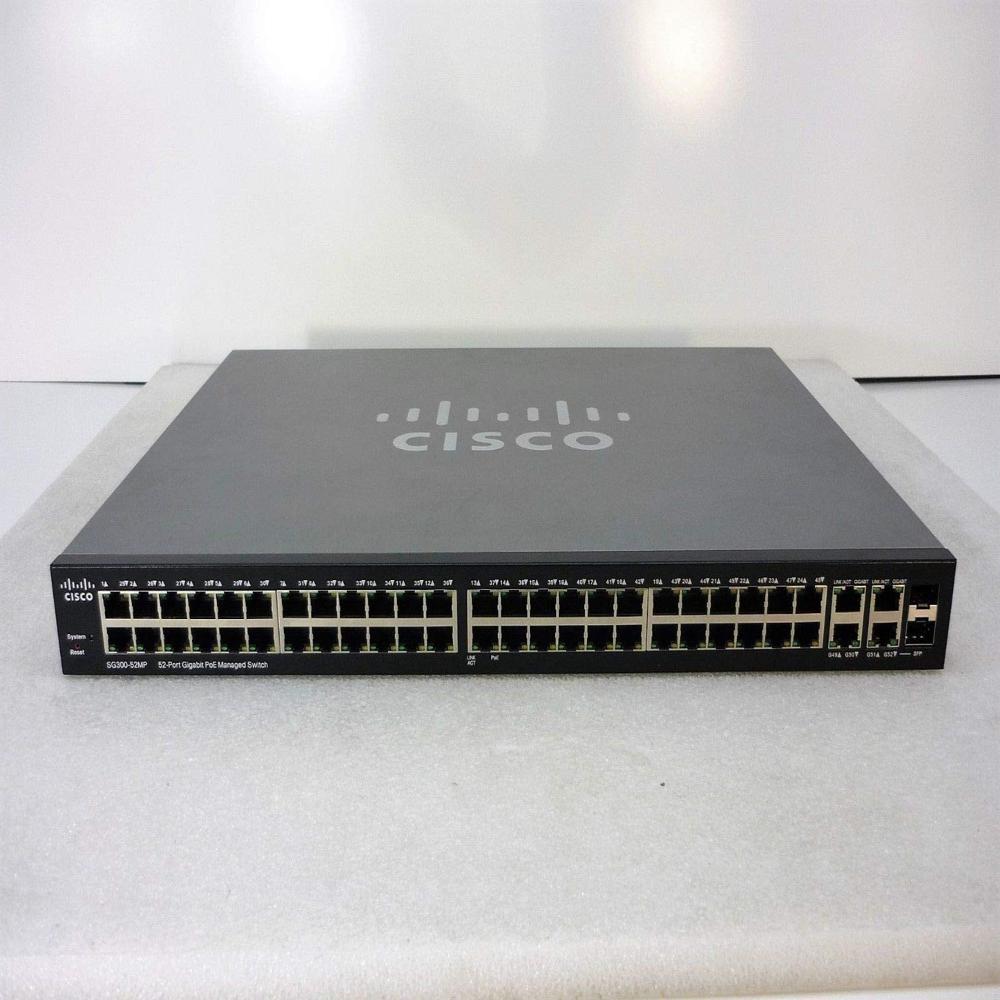
Tell us about your requirement

Price:
Quantity
Select Unit
- 50
- 100
- 200
- 250
- 500
- 1000+
Additional detail
Mobile number
Email

More Products in Networking Switch Category
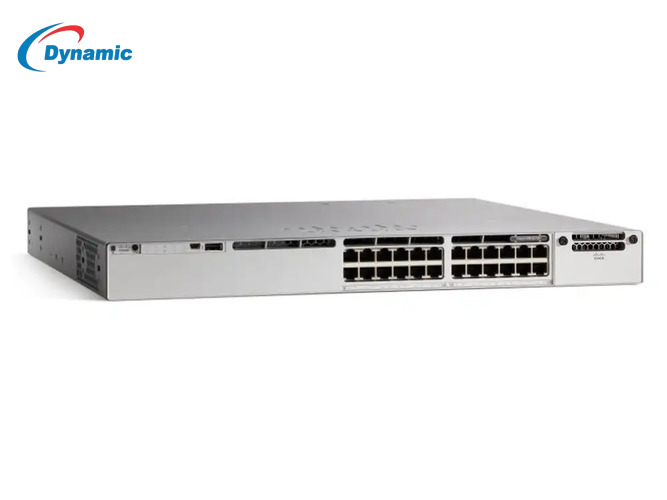
Cisco Catalyst Switch C9300-24T-E
Price 85000.0 INR / Piece
Minimum Order Quantity : 1 Piece
Weight : 11 Kilograms (kg)
Device Type : Wired / Stackable / Enterprise
Network Device : Switch
Features : Layer 3 Routing, VLAN, QoS, StackWise480, MACsec Security, DNA Center Ready, Energy Efficient, Hotswappable modules
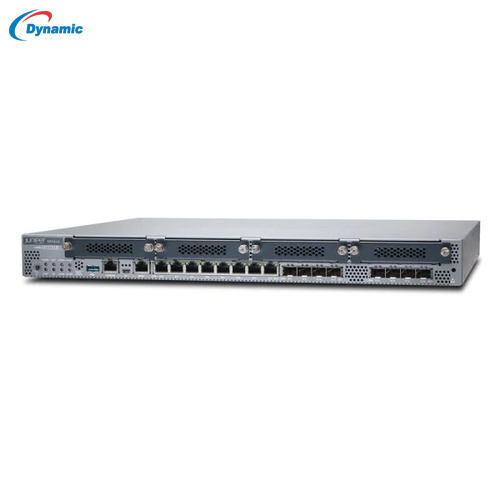
Juniper SRX 340 Firewall
Price 34000.0 INR / Piece
Minimum Order Quantity : 1 Piece
Weight : 3.6 Kilograms (kg)
Device Type : Enterprise Firewall / Services Gateway
Network Device : Other
Features : Stateful firewall, IPSec VPN, VLAN, NAT, Layer 3 routing, OSPF/BGP/RIP, QoS, Intrusion prevention, Redundant power support, High availability clustering, Hotswappable modules, Junos OS, Centralized management, Enterprisegrade security
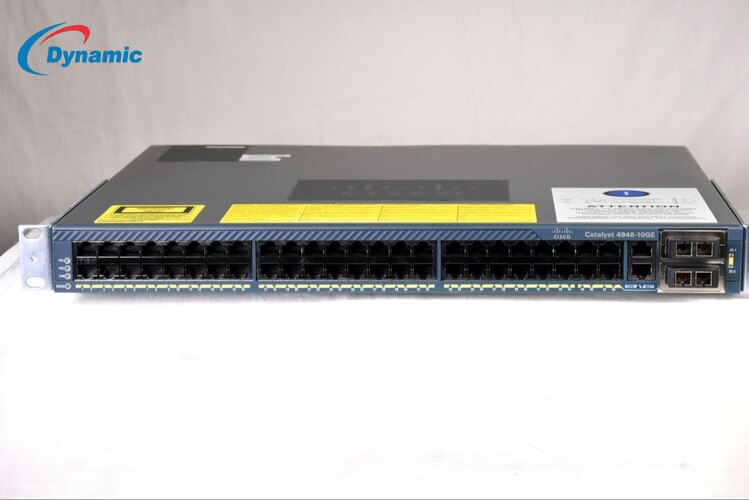
Cisco 4948-10GE Switch
Price 15000.0 INR / Piece
Minimum Order Quantity : 1 Piece
Weight : 7.5 8.5 kg Kilograms (kg)
Device Type : 48Port Gigabit Switch with 10GE uplinks
Network Device : Switch
Features : VLAN, QoS, ACL, EtherChannel, STP, RSTP, MSTP, jumbo frames, robust security
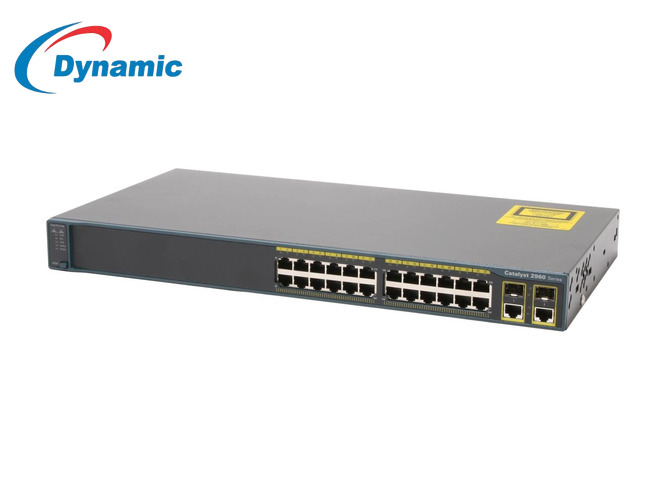
Cisco Switch C2960+24TC-L
Price 5000.0 INR / Piece
Minimum Order Quantity : 1 Piece
Weight : 4 Kilograms (kg)
Device Type : Managed Gigabit Ethernet Switch
Network Device : Switch
Features : 24 Gigabit ports, 2 SFP uplinks, Layer 2 switching, VLAN, STP/RSTP/MSTP, Link Aggregation (LACP), ACL security, SNMP management, CLI/Web UI, Energyefficient design, Rackmountable 1U, Enterprise reliability

Dynamic IT Devices Private Limited
All Rights Reserved.(Terms of Use)
Developed and Managed by Infocom Network Private Limited.
Developed and Managed by Infocom Network Private Limited.

