
Dynamic IT Devices Private Limited

 English
 Spanish
 French
 German
 Italian
 Chinese (Simplified)
 Japanese
 Korean
 Arabic
 Portuguese
 Send Inquiry
 Send Inquiry
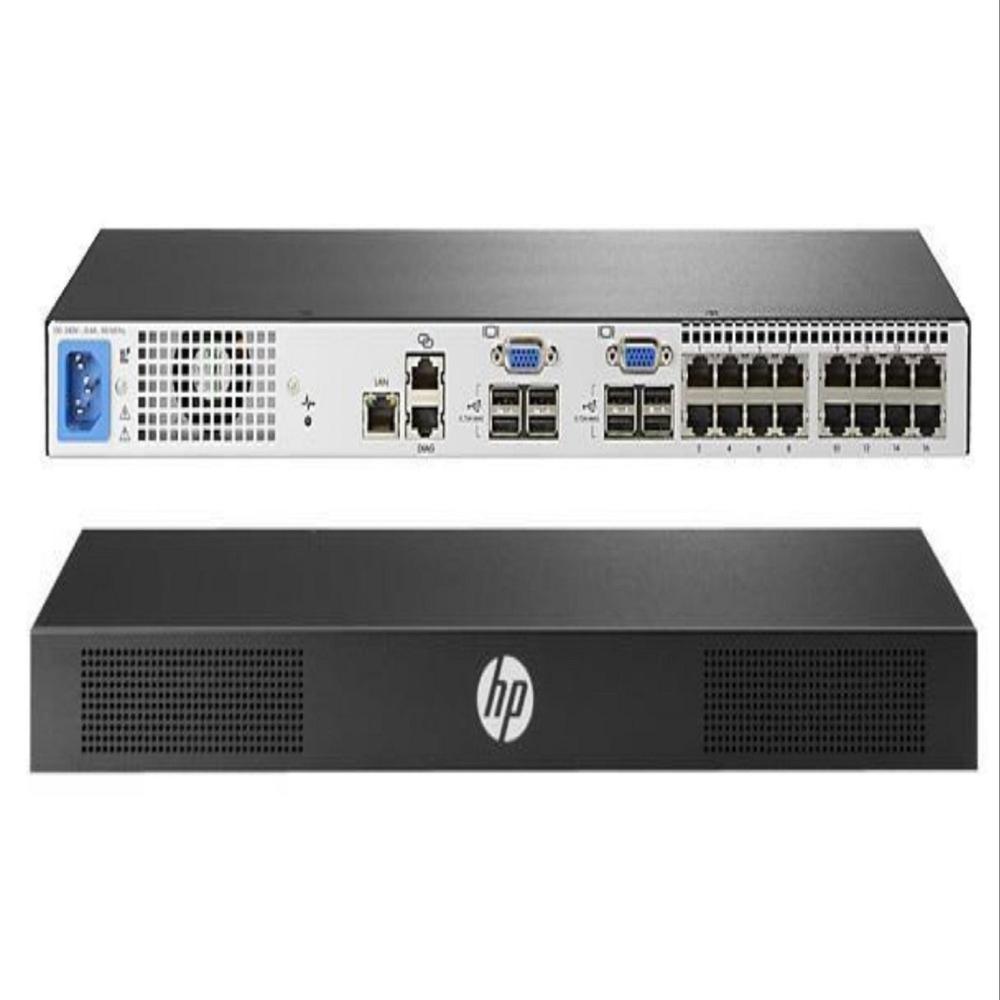
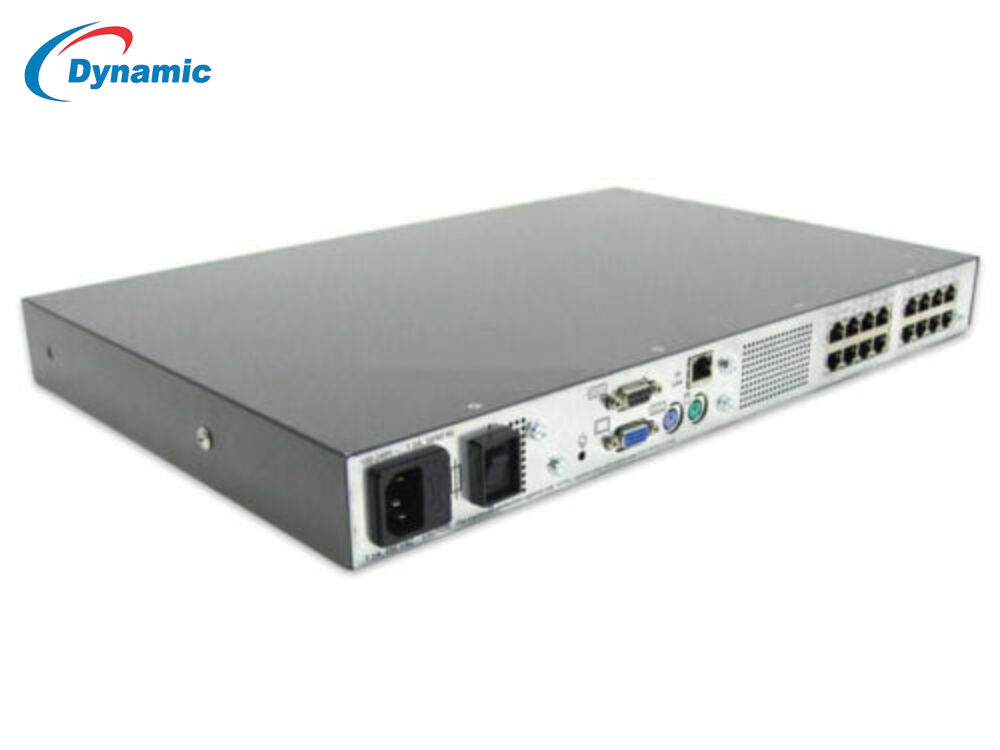
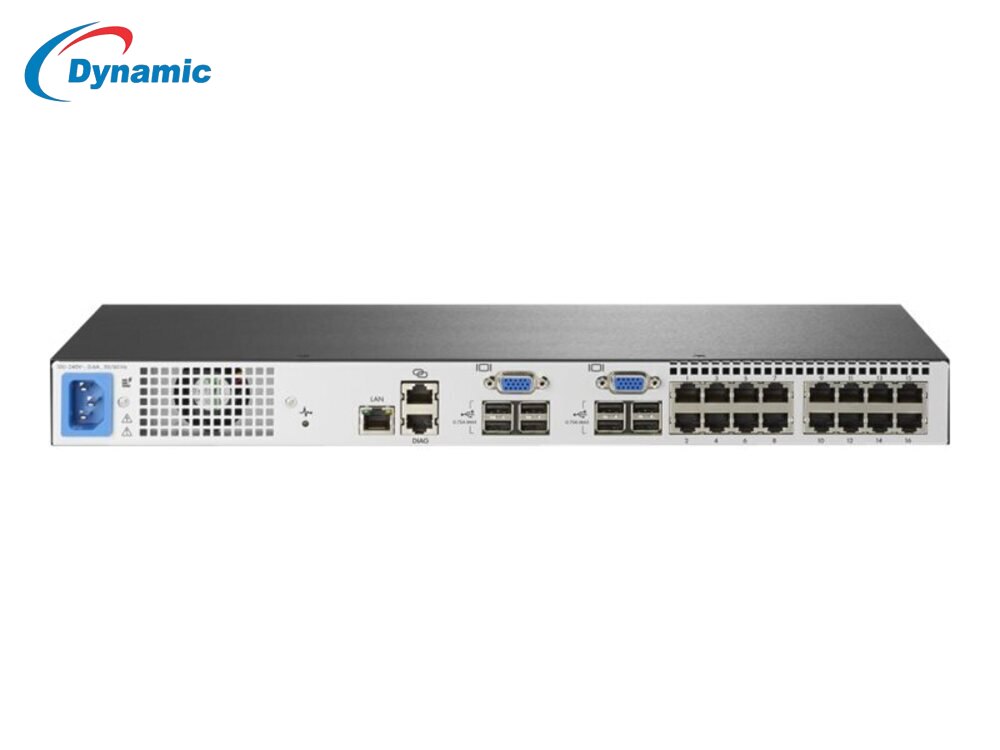
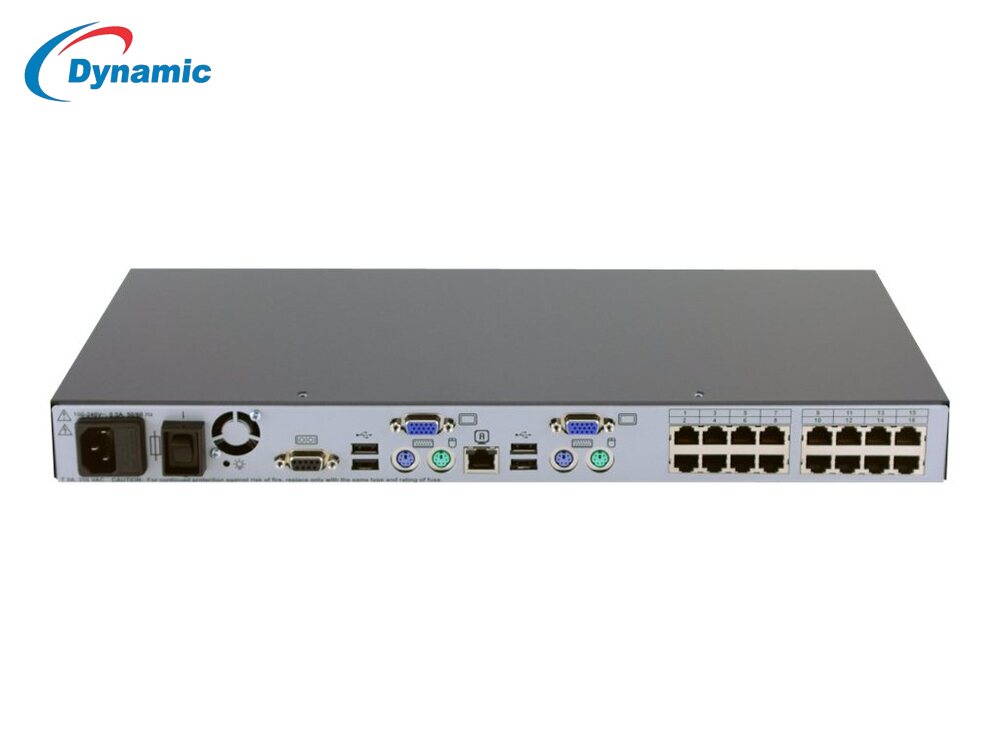
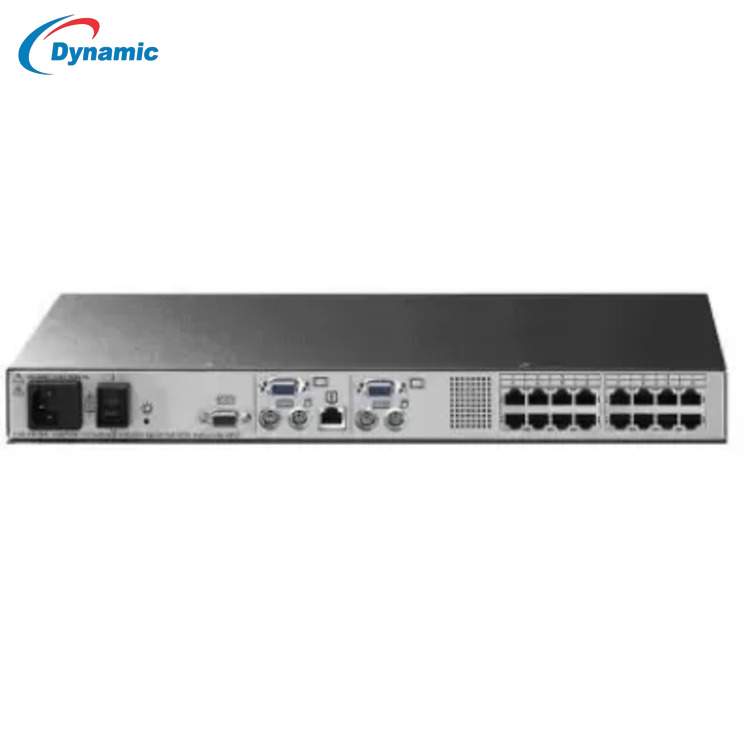
HP KVM 16 Ports Console Switch
Price 5000.0 INR/ Piece
MOQ : 1 Piece
HP KVM 16 Ports Console Switch Specification
- Remote Control
- Yes
- Weight
- 3.5 4 kg Kilograms (kg)
- Dimension (L*W*H)
- 44 cm 25 cm 4.4 cm Centimeter (cm)
- Interface Type
- USB, VGA, PS/2
- Frequency
- 50 Hertz (HZ)
- Features
- 16-Port KVM Server Management High-Resolution Video Support up to 1600 1200 USB & PS/2 Keyboard/Mouse Support Hotkey Switching Rackmountable (1U Design) Cascade up to 256 servers Durable Industrial Build
- IP Routing
- No (Not a network switch, KVM only)
- Port
- 16 Ports
- Network Device
- Switch
- Operating Temperature
- -40 to 70 Celsius (oC)
- Usage & Applications
- Industrial
- Power Consumption
- 18 22 Watts Watt (W)
- Device Type
- Wired
- Connectivity Type
- Wired
- Number Of Ports/Pins
- 16 Ports
HP KVM 16 Ports Console Switch Trade Information
- Minimum Order Quantity
- 1 Piece
- Payment Terms
- Cash in Advance (CID)
- Delivery Time
- 3 Days
- Main Domestic Market
- All India
About HP KVM 16 Ports Console Switch
Description:Looking For A Simple And Intuitive Solution That Allows You To Access And Manage Servers In Your Data Center HPE KVM Analog Console Switches Allow You To View And Manage Up To 256 Rackmount Servers In Your Data Center Through A Single User Interface. HPE KVM Analog Console Switches Utilize A Local On-Screen Display (OSD) Interface, Accessed Through A Rack Console Such As The HPE LCD8500, That Provides Intuitive Menus For Accessing Each Attached Server Or Serial Managed Device. HPE G3 KVM Analog Console Switches Support An Optional USB Remote Access Key That Allow You To Upgrade To KVM-over-IP Functionality, Providing Remote Access And Management Via The On-Board Web Interface (OBWI). HPE KVM Analog Console Switches Are Available In 4, 8 And 16-Port Models. Standard Rack Mounting Of The KVM Console Switch Will Share 1U (1.75-inch) Of Front Panel Rack Space With The Rack Console. However, Each Model Can Also Be Mounted In A "zero U" Profile By Mounting In The Side Rails Of The Rack.View And Manage Up To 256 Servers Through A Single User InterfaceHPE Advanced Analog KVM Switches Utilize A Local On-Screen Display (OSD) That Provides Access To System-related Information Such As Selected Server Name, Status, Power-up Test Data And Configuration Menus.HPE Advanced Analog KVM Switches Support An Optional USB Remote Access Key That Allow You To Upgrade To KVM-over-IP Functionality, Providing Remote Access And Management Via The On-Board Web Interface (OBWI).HPE Advanced Analog KVM Switches Include Programmable Scanning, A Utility That Allow You To Evaluate System Performance By Sequentially Scanning Any Or All Servers Managed Through The Console Switch.HP KVM 16 Ports Console Switch,HP KVM 16 Ports Console Switch
Efficient Industrial Server Management
The HP KVM 16 Ports Console Switch ensures streamlined server control for industrial setups. Its robust design and multi-port configuration allow simultaneous management of up to 16 systems, enabling technicians to quickly switch between servers without the need for multiple monitors or keyboards. This results in enhanced productivity and reduced operational complexity.
Reliability Across Extreme Environments
Built to withstand harsh conditions, the HP KVM switch operates between -40C and 70C, making it suitable for factories, data centers, and other industrial sites. Its sturdy build and reliable connectivity guarantee uninterrupted server management, even in challenging locations across India.
FAQs of HP KVM 16 Ports Console Switch:
Q: How does the HP KVM 16 Ports Console Switch improve server management in industrial environments?
A: The HP KVM 16 Ports Console Switch enables centralized control of up to 16 servers from a single console, making server management more efficient and reducing the need for multiple keyboards, monitors, and mice. This streamlines maintenance and troubleshooting tasks in industrial settings.Q: What is the process for installing and configuring the HP KVM 16 Ports Console Switch?
A: Installation involves connecting the switch to the servers using wired interfaces, then linking it to the console monitor and keyboard. Configuration is typically done locally, following the supplied manual, allowing users to switch between connected devices with simple controls.Q: Where can I use the HP KVM 16 Ports Console Switch given its operating temperature range?
A: This switch can be deployed in a wide variety of industrial locations including manufacturing plants, data centers, and server rooms. Its ability to operate between -40C and 70C ensures reliable performance in environments with extreme temperature fluctuations.Q: What are the key benefits of using a switch with 16 ports in industrial applications?
A: A 16-port switch enables simultaneous control and monitoring of multiple servers, maximizing efficiency and minimizing hardware requirements. It simplifies large-scale operations, reduces workspace clutter, and improves the speed of maintenance tasks.Q: When is the HP KVM 16 Ports Console Switch the ideal choice for businesses?
A: This switch is ideal for businesses that need to manage multiple servers securely in industrial or demanding environments, particularly when remote control capability is not a requirement. It works best when physical access to server consoles is preferred or required.Q: What is the usage process for switching between servers on this console switch?
A: Users can switch between servers by using the console interface, which allows selection of individual connected devices. This process is fast and seamless, facilitating quick access to each system as needed during maintenance or monitoring.Q: Who supplies and distributes the HP KVM 16 Ports Console Switch in India?
A: The switch is available through a range of suppliers, service providers, traders, and wholesalers across India, ensuring accessibility for businesses looking to enhance their industrial networking solutions.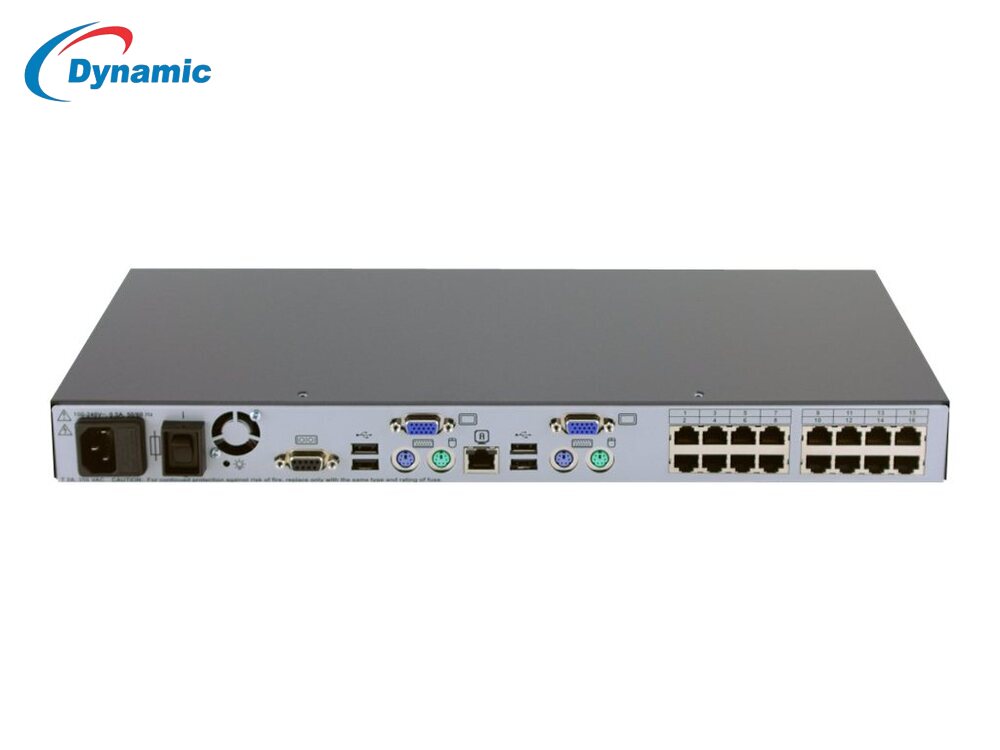
Tell us about your requirement

Price:
Quantity
Select Unit
- 50
- 100
- 200
- 250
- 500
- 1000+
Additional detail
Mobile number
Email

More Products in Networking Switch Category
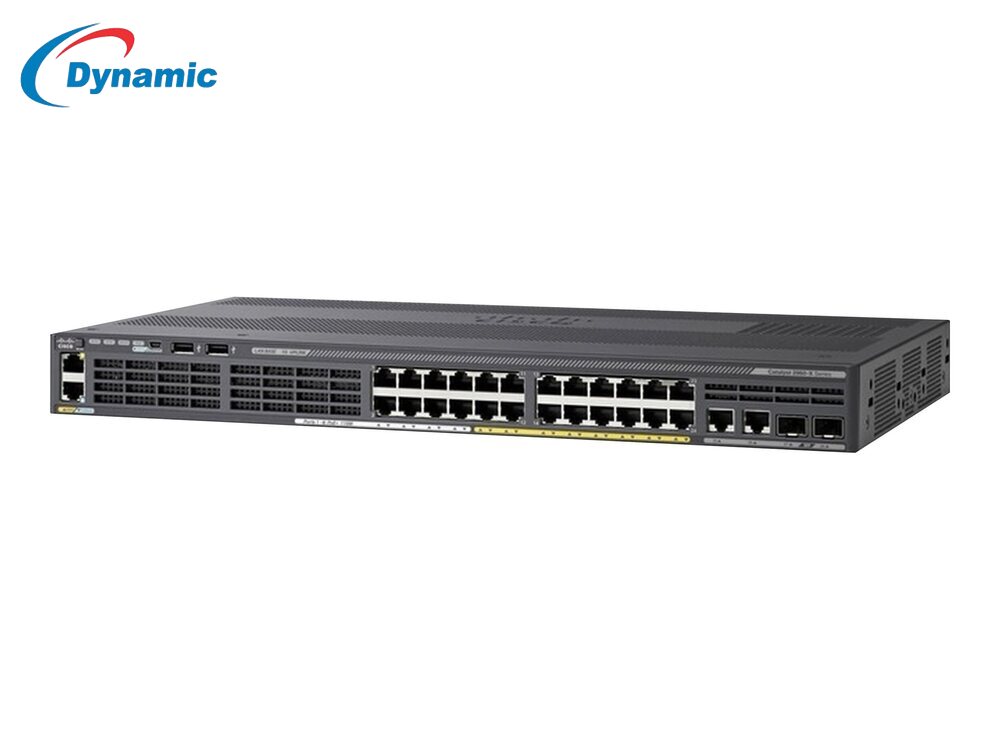
Cisco Catalyst 2960X-24PD-L Gigabit PoE+ Layer 3 Managed Switch
Price 22000.0 INR / Piece
Minimum Order Quantity : 1 Piece
Power Consumption : Approx. 80 100W (depends on PoE load) Watt (W)
IP Routing : Yes (Layer 3 Routing Supported)
Features : 24 PoE+ Gigabit Ports (Up to 370W PoE Budget) 2 10G SFP+ Uplink Ports Layer 3 Routing Support Stackable for Larger Networks High Switching Capacity Advanced Security Features EnergyEfficient Design Reliable for Enterprise & Industrial Use
Number Of Ports/Pins : 24 Data Ports + 2 Uplink Ports (Total 26 Ports)
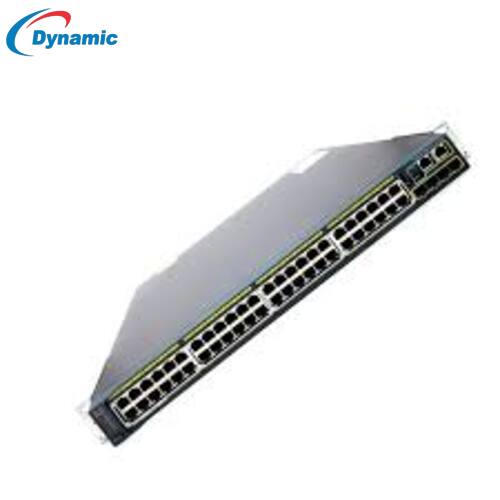
Cisco C2960S-48LPS-L Switch
Price 20000.0 INR / Piece
Minimum Order Quantity : 1 Piece
Power Consumption : 120 150 W Watt (W)
IP Routing : Static routing, basic Layer 3 features
Features : 48 Gigabit PoE+ ports, 4 SFP uplinks, Layer 2 & basic Layer 3 switching, VLAN, STP/RSTP/MSTP, Link Aggregation (LACP), QoS, ACL security, EnergyWise energy efficiency, CLI/Web UI management, Cisco Network Assistant compatible, Rackmountable 1U, Enterprise reliability
Number Of Ports/Pins : 48 RJ 45 PoE+ ports + 4 SFP uplinks
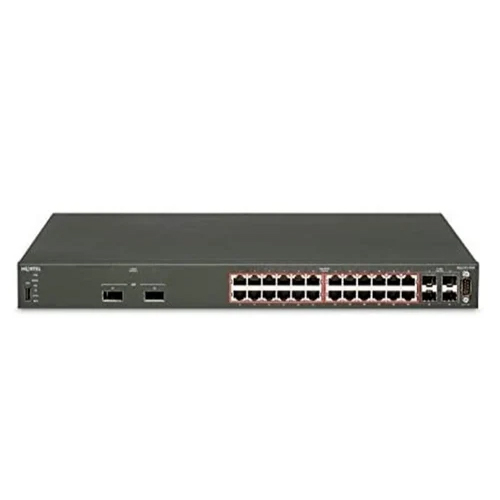
Nortel 4526GTX-PWR 24-Port Gigabit PoE Layer 3 Ethernet Routing Switch for Enterprise Networks
Price 12500.0 INR / Piece
Minimum Order Quantity : 1 Piece
Power Consumption : 160 Watt (W)
IP Routing : Yes (Supports Layer3 routing RIP, OSPF, Static Routing)
Features : 24Port Gigabit PoE Edge Switch Layer3 Routing (OSPF, RIP, Static Routing) High Performance WireSpeed Switching VLAN, QoS & Traffic Prioritization Enterprise Security & Access Control SNMP, CLI & Web GUI Management Redundancy & High Network Uptime
Number Of Ports/Pins : 24 Gigabit PoE Ports 2 SFP Uplink Ports

Cisco Catalyst 4948E-F Switch
Price 29000.0 INR / Piece
Minimum Order Quantity : 1 Piece
Power Consumption : Approximately 120 150 W (typical operational range) Watt (W)
IP Routing : No (L2 switch) Supports VLANs, trunking, and link aggregation
Features : 48port Gigabit Ethernet highdensity switching VLAN support & trunking Link aggregation (EtherChannel / LACP) Lowlatency switching fabric Rackmountable 1U design Enterprisegrade reliability Suitable for backbone and data center networks
Number Of Ports/Pins : 48 Ethernet ports

Dynamic IT Devices Private Limited
All Rights Reserved.(Terms of Use)
Developed and Managed by Infocom Network Private Limited.
Developed and Managed by Infocom Network Private Limited.

